Wishlist

Quick answer: set your smart home office to reduce friction — automate focus cues, control distractions, and optimize comfort.
If you want a home workspace that reliably supports deep work, prioritize three things first: clear focus signals (lighting, sound, phone states), low-friction device control (automations and one‑tap routines), and physical comfort (ergonomics and tidy surfaces). The steps below show practical changes and examples so you can make measurable improvements tonight and over the next week.
Make focus cues explicit: lighting, door signals and a “work” routine
Humans respond quickly to consistent, visible cues. Automate a short routine that runs when you start work: switch on a task light, set warm/neutral ambient lighting, enable Do Not Disturb on your phone, and close your office door or hang a sign. Use a single voice command, a widget, or a scheduled scene so starting work feels deliberate.
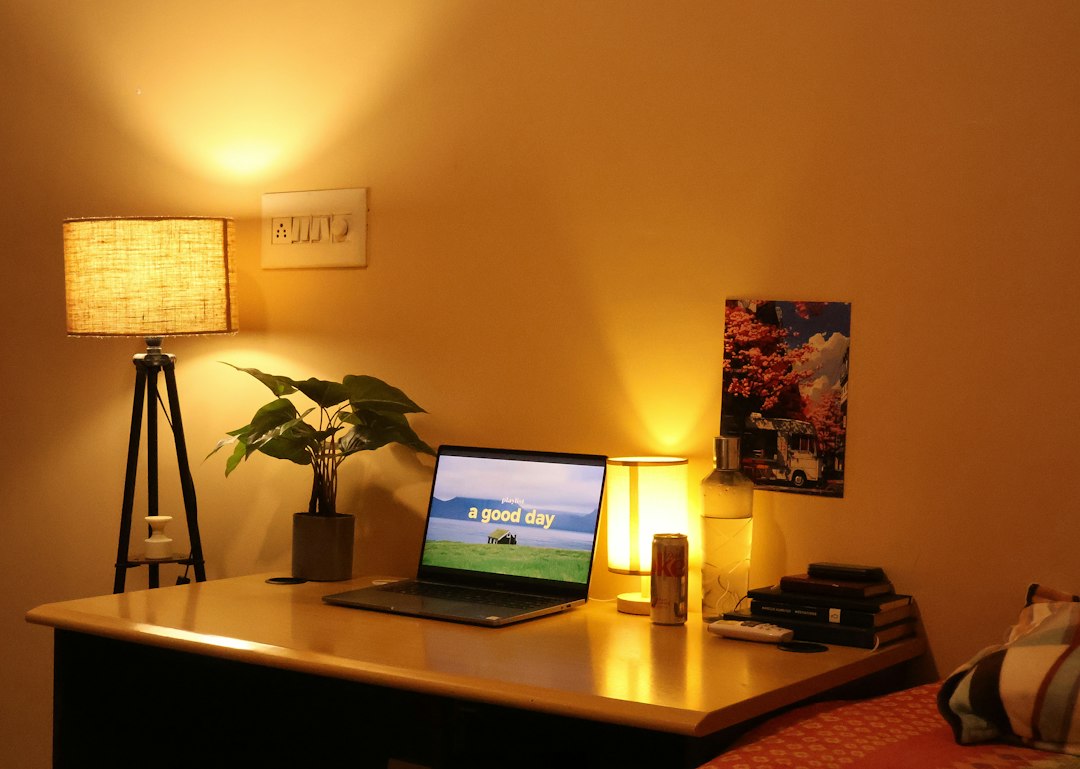
- Smart plug + lamp: plug a desk lamp into a smart plug (easy starter automation). Schedule or tie it to a “Start Work” scene.
- Color and brightness: choose cooler, brighter light for morning focus and slightly warmer, dimmer tones for late-afternoon tasks to reduce eye strain.
- Door indicator: a simple door sign or a smart bulb outside the room that turns red during deep work prevents interruptions.
Reduce digital interruptions with simple automations
Automate common distractions so they don’t require willpower. Two efficient patterns:
- Context-based Do Not Disturb: have your phone, desktop notifications, and calendar share a “focus” state. Many smart home platforms and phone shortcuts can toggle DND on multiple devices at once.
- Power control for nonessential devices: schedule or include in your scene smart plugs for the TV, gaming console, or other high-distraction devices so they’re off during work hours.
Example: a weekday “Work” routine that mutes notifications, turns off the living-room TV smart plug, and starts a background white-noise speaker.
Design your desk for low-effort decisions
Decision friction adds up. Keep only the tools you need on the surface and put the rest behind drawers or in labeled bins. Add docking stations and magnetic trays to make transitions quick.
- One-click charging: place a wireless charger or charging bay within reach so devices return to a known home spot.
- Vertical storage: use wall-mounted rails or slim organizers to keep reference materials off the work surface.
- Monitor and laptop placement: aim for top-of-screen at eye level and elbows at 90° to reduce micro-breaks from discomfort.
Ergonomics that actually get used
Ergonomic gear helps only if it fits your routine. Focus on three adjustments rather than buying every accessory:
- Monitor height: raise the monitor with a stand or a stack of sturdy books until the top third of the screen is at eye level.
- Seat support: a chair with lumbar support or a lumbar cushion will reduce frequent posture checks and micro-distractions.
- Keyboard and mouse alignment: keep them close enough that your shoulders stay relaxed; try a wrist rest if you get hotspots.
When shopping, prioritize adjustability over brand names: a small change in position gives bigger returns than a more expensive but rigid chair.
Control ambient sound and use purposeful background noise
Sound can be a hidden productivity lever. If silence leaves your mind wandering, use consistent background sound; if random noises break focus, create a buffer.
- White-noise machine or app: choose a long, nonlooping track and put it on a schedule tied to your work scene.
- Door seal and rugs: simple acoustic fixes (a draft sweep under the door, a rug) reduce sudden office disruptions.
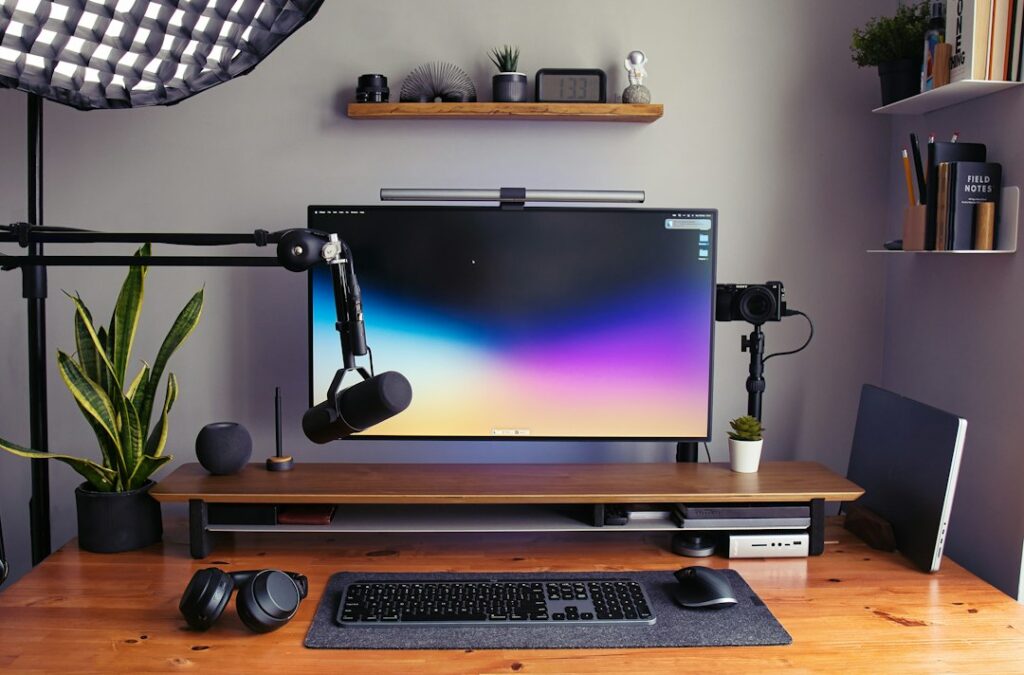
- Headphones as a signal: wearing noise-reducing headphones often prevents family members from interrupting and primes your own focus.
Use small automation wins that save minutes every day
Pick two automations that eliminate a repeat chore. Examples that deliver tangible time back:
- Automatic lights off: have office lights and the coffee maker turn off at the end of your work period to mark the end of work and prevent wasted power.
- Scheduled backups and printer readiness: schedule cloud backups and a low-power mode for your printer so it’s ready but not drawing full power.
These cuts in decision and setup time are especially valuable during morning ramp-up and when shifting between meeting-heavy and deep-work blocks.
Organize work blocks and automate transitions
Combine the Pomodoro method or time blocking with smart routines. Example routine:
- Start Work scene → 90-minute focused block (DND + task lamp + white noise).
- End block routine → lights dim, notifications allowed for 15 minutes, short mobility reminder plays.
Automating transitions reduces the cognitive load of remembering to stop or to reset, which keeps your day structured without extra checks.
Make tech choices that scale with simplicity
Buy devices that are easy to integrate: choose smart plugs and bulbs compatible with your main platform (Apple HomeKit, Google Home, or Alexa). When in doubt, pick a multipack smart plug for lights and a small smart plug for a distracting device—these are cost-effective and high-impact.
Product recommendation for quick setup: if you want a simple smart plug to control lamps or a noise machine, the Kasa Smart Plug HS103P4 is a reliable, easy starter that integrates with most assistants and requires minimal setup.
Routine maintenance that preserves focus long-term
Once a month: review your automations and turn off anything you no longer use. Quarterly: declutter cables, test batteries in Bluetooth devices, and re-evaluate your lighting schedule with the season. Small housekeeping prevents brittle setups that break focus when you most need them.
- Set a “Start Work” scene with lamp, DND and white noise.
- Put high-distraction devices on timed smart plugs.
- Raise monitor to eye level and test chair lumbar support.
- Create a visible door or light indicator for deep work periods.
- Schedule monthly checks for automations and device batteries.
Create a short, reliable routine that signals the start and end of work, automate common interruptions, and make three ergonomic adjustments. That combo reduces friction and preserves focus without requiring expensive gear.
Do I need a full smart-home system to improve my home office?
No. Start with inexpensive tools like a smart plug for task lighting and a phone shortcut for Do Not Disturb; those two steps alone change behavior and reduce interruptions.
How should I set lighting for deep work versus calls?
Use neutral or cool task lighting for deep work to increase alertness; switch to warmer, softer ambient lighting for video calls to flatter skin tone and reduce glare.
Will white noise work for everyone?
Not always—some people find steady tones soothing, others prefer gentle music at low volume. Test different options during a focused block and choose the one you can ignore.
What’s the fastest way to stop interruptions from housemates?
Combine a visible door indicator (or smart bulb) with agreed-upon quiet hours; wearing headphones also signals that you’re not available for casual conversation.