Wishlist

Start with the result you want: a comfortable organized workspace that helps you focus
A comfortable organized workspace means you sit without strain, find the tools you need fast, and keep distractions—both visual and physical—at a minimum. You should be able to settle into a task within 60 seconds of sitting down. Below are step-by-step practical changes, ordered so each small win builds on the last.
Set an ergonomic baseline so work feels easier
Ergonomics is the foundation: if your body is uncomfortable, no amount of storage will help. Aim for neutral posture—feet flat, knees at roughly 90°, relaxed shoulders, and eyes level with the top third of the monitor.
- Chair: Raise or lower the seat so your feet rest flat. Add lumbar support (a small cushion or rolled towel) if the chair lacks it.
- Monitor: Place the top of the screen at or slightly below eye level and about an arm’s length away. Use a monitor riser, stack of books, or a compact stand.
- Keyboard & mouse: Keep them close so your elbows stay near your sides. A small wrist rest can reduce strain for long typing sessions.
- If you stand: Use an anti-fatigue mat and alternate sitting/standing every 30–60 minutes. Keep the monitor height consistent for both positions.
Clear the surface and define functional zones
Empty the desktop and return only items you use every day. Define three zones: active work (center), reference (left or right), and storage (back or drawers).
- Active work: keyboard, mouse, notebook, and a pen holder—things you reach for constantly.
- Reference: items you glance at occasionally (documents, planner)—use a simple vertical file or magazine holder.
- Storage: rarely used equipment (chargers, backups)—tuck these into a drawer or bin to keep the surface clear.

Organize with small containers and a place for everything
Containers reduce decision friction. Use a shallow tray for daily tools, small bins or drawer organizers for loose items, and vertical dividers for papers.
- Drawer organizers: separate chargers, stationery, and sticky notes so you aren’t digging for small items.
- Open trays: a 2–3 tier desk tray keeps in-progress work visible but tidy.
- Clear containers: for less-used supplies, clear bins make contents obvious and stack easily.
Product pick: for a compact, attractive option that replaces scattered items and raises monitors slightly, consider a combined desk organizer and riser. It’s useful if you need both storage and ergonomic lift.
Control cables and power so the space looks and functions cleaner
Unruly cables make a workspace feel chaotic and collect dust. Tidy cables to reduce noise, accidental unplugging, and visual clutter.
- Consolidate power: use a single surge strip tucked under the desk or against a wall.
- Route cables: attach a cable tray or adhesive clips under the desk and bundle cables with Velcro straps.
- Label cords: a small sticker on each plug makes future changes painless.
Improve light and micro-environment for comfort and alertness
Lighting affects fatigue and focus. Prefer layered lighting: ambient overhead plus a directional task lamp for close work. Position the lamp so it illuminates your page without creating screen glare.
- Use warm white (2700–3500K) for longer, comfortable work sessions or cooler white (4000K) if you need alertness on short tasks.
- Add a small plant or two for air quality and visual relief—choose low-maintenance species like pothos or snake plant.
Adopt quick routines that prevent clutter from returning
The easiest way to keep a space organized is a one-minute reset at the end of each workday.
- Clear the desktop of disposable items and stack papers in the reference tray.
- Plug in devices to their charging station and tuck cables away.
- Empty the cup, wipe visible dust, and align frequently used objects to their home positions.
Troubleshooting and adapting the plan to your setup
If you work in a small area: prioritize vertical solutions (shelves, wall-mounted file holders) and use slim-profile organizers to preserve surface space.
If your work requires many devices: label and color-code cables, and add a small power shelf or multi-outlet hub so everything has a fixed spot.
If you share the space: create portable “go” boxes for your personal supplies and a clear visual boundary—such as a desk mat—so items are returned after use.
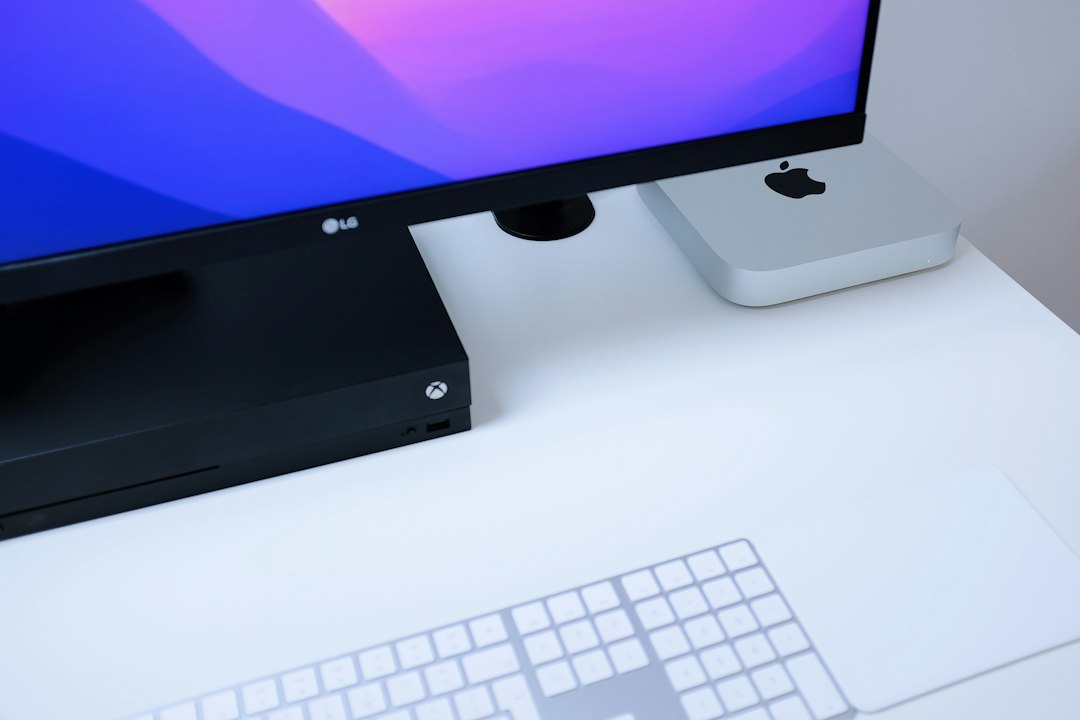
When to invest in bigger upgrades
Consider a higher-cost purchase when current solutions still cause pain or distraction. Typical triggers:
- Persistent neck or wrist pain after ergonomic adjustments—upgrade the chair or keyboard.
- Regularly running out of desk space—add a small shelf, longer desk, or monitor arm.
- Power or connectivity issues—invest in a better surge protector or a powered USB hub.
Useful related guides
For adjacent rooms or deeper habits, these guides are practical next steps: Simple Home Organization Habits That Save Time Every Day, Smart Home Office Tips for Better Focus and Productivity, and How to Make a Small Space Feel More Organized and Stylish.
Making a workspace comfortable and organized is both a short project (clear and set ergonomics) and an ongoing habit (daily reset). Prioritize body comfort first—everything else works better when you aren’t distracted by pain.
- Adjust chair and monitor for neutral posture.
- Clear desktop to three functional zones.
- Install one small container system for daily tools.
- Bundle and route cables under the desk.
- Add task lighting and one plant for comfort.
- Do a one-minute daily reset at day’s end.
Start with ergonomic fixes and a cleared surface, then add targeted organizers, cable management, and lighting. Small investments and short daily routines keep a workspace both comfortable and orderly.
How do I know if my monitor height is correct?
When the top third of the screen sits at eye level and you don’t tilt your head up or down, the height is correct; adjust the riser until this feels natural.
What size desk organizer should I buy?
Choose an organizer that holds only daily-use items and fits the front half of your desk; if it crowds the keyboard, pick a slimmer or vertical option.
Can I improve ergonomics without replacing my chair?
Yes—use seat cushions, lumbar rolls, and a footrest to alter posture; raising the monitor and repositioning input devices also helps significantly.
How often should I perform a full cleanup?
Do a quick daily reset and a deeper weekly tidy—replenish supplies, clear dust, and reorganize any items that migrated from their homes.
Which item has the best impact per dollar?
A monitor riser or a small desk organizer provides high impact: better posture and reduced visual clutter for a modest cost.